Turn your everyday e-receipts into entries for monthly prizes.

Simply forward your e-receipts to er@amanani.co – the more you send, the more chances you have to win.

About Amanani

Amanani is a simple way to get more value from the shopping you already do. Forward your online shopping receipts to us and you’ll automatically earn entries into our weekly and monthly prize draws.

Every eligible e-receipt you send to er@amanani.co counts as an entry. No points to manage, no apps to learn – just use your normal email and the stores you already love.

We currently accept e-receipts from:

  • Checkers Sixty60
  • Woolies Dash
  • Pick n Pay ASAP
  • Mr Price
  • Bash
  • Takealot
  • Superbalist
  • Temu

As we grow, we’ll add more partners and bigger prizes. For now, you just keep shopping like you normally do – and let Amanani turn your e-receipts into real rewards.

Get Started

3 Easy Steps

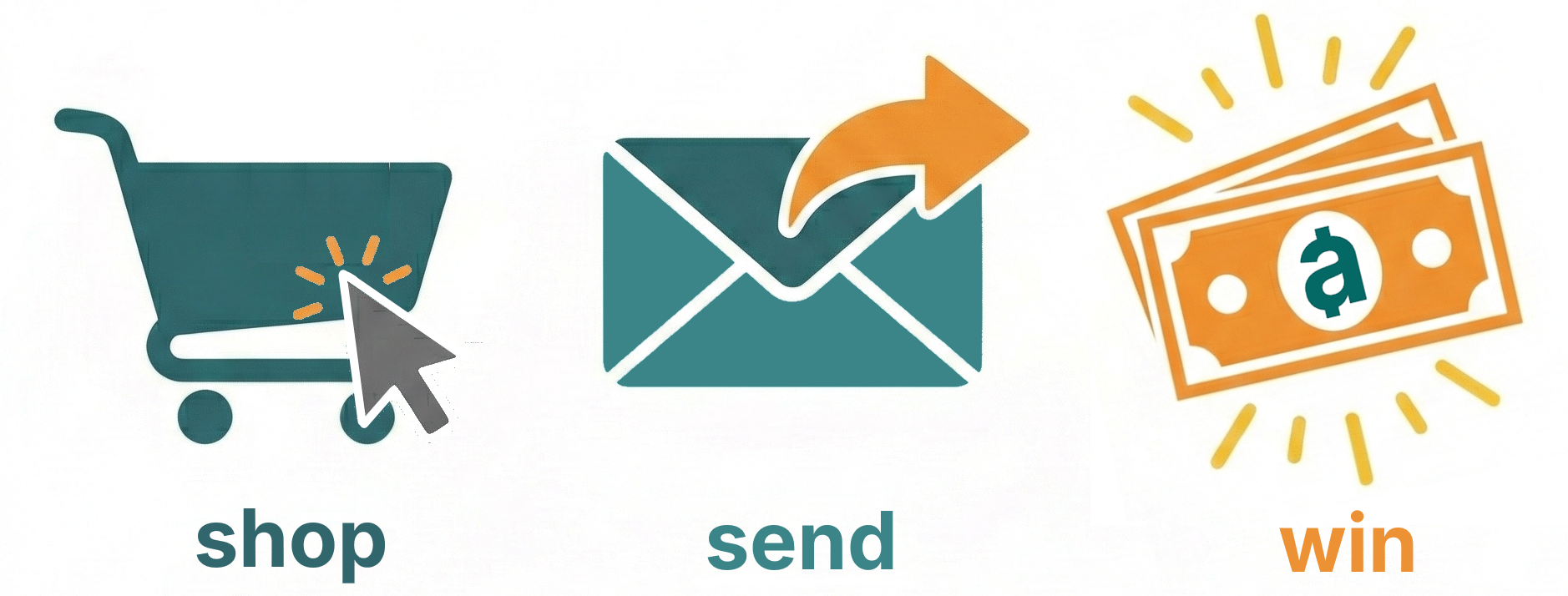
  1. Shop as usual at Checkers Sixty60, Woolies Dash, Pick n Pay ASAP, Mr Price, Bash, Takealot, Superbalist or Temu.
  2. Forward your e-receipts from your inbox to er@amanani.co.
  3. Earn entries into our weekly and monthly prize draws – one entry per eligible receipt.

That’s it. No forms, no logins, no points to track. If your receipt is in your email, you can turn it into a chance to win.

Make It Automatic: Set Up Auto-Forwarding

You can set up simple rules so that any e-receipt from supported stores is automatically forwarded to er@amanani.co. Below are quick guides for common email providers.

  1. Open Gmail in your browser and click the gear icon > See all settings.
  2. Go to the Forwarding and POP/IMAP tab.
  3. Under “Forwarding”, click Add a forwarding address and enter er@amanani.co.
  4. Gmail will send a confirmation code to that address. Complete the confirmation process as prompted.
  5. Once the forwarding address is confirmed, go to the Filters and blocked addresses tab.
  6. Click Create a new filter and in the From field, enter the store email (for example, @sixty60.co.za, @woolworths.co.za, @takealot.com, etc.).
  7. Click Create filter, then tick Forward it to and choose er@amanani.co from the dropdown.
  8. Save the filter. Repeat for any other stores you want to auto-forward.

Tip: You can also combine multiple stores in one filter using keywords in the “From” or “Subject” field.

  1. Sign in to Outlook.com or your Office 365 Outlook on the web.
  2. Click the gear icon (Settings) > View all Outlook settings.
  3. Go to Mail > Rules and click Add new rule.
  4. Give the rule a name like “Forward e-receipts to Amanani”.
  5. Under Condition, choose From and enter the store email domain (for example, sixty60.co.za, woolworths.co.za, takealot.com).
  6. Under Action, choose Forward to and enter er@amanani.co.
  7. Save the rule. Create additional rules for other stores if needed.

  1. Open Outlook and go to Home > Rules > Manage Rules & Alerts.
  2. Click New Rule… and start from “Apply rule on messages I receive”.
  3. Choose conditions such as from people or public group and specify the store sender (for example, your saved “Checkers Sixty60” contact or the store email address).
  4. In the actions step, select forward it to people or public group and enter er@amanani.co.
  5. Finish and save the rule. Repeat for other stores as needed.

Using iCloud Mail rules (recommended):

  1. Go to icloud.com in your browser and sign in.
  2. Open Mail, click the gear icon (Settings) and choose Rules.
  3. Click Add Rule….
  4. Set the condition to something like “If a message is from” and enter the store email (for example, @woolworths.co.za, @takealot.com).
  5. Set the action to Forward to and enter er@amanani.co.
  6. Save the rule and repeat for other stores if desired.

On the Apple Mail app itself, you can also create forwarding rules via Mail > Settings > Rules on Mac, depending on how your account is configured.

Most email providers support rules or filters that can automatically forward messages based on:

  • Sender email address (for example, @sixty60.co.za, @woolworths.co.za).
  • Subject keywords (for example, “Order confirmation”, “Receipt”, “Tax invoice”).

Look for Settings > Rules or Filters in your email app, and set the action to forward matching messages to er@amanani.co.

FAQs

Amanani is a rewards service that turns your e-receipts into entries for monthly prize draws. Whenever you receive an e-receipt from supported stores, forward it to er@amanani.co. Each eligible e-receipt becomes an entry.

We currently accept e-receipts from:
  • Checkers Sixty60
  • Woolies Dash
  • Pick n Pay ASAP
  • Mr Price
  • Bash
  • Takealot
  • Superbalist
  • Temu
We will add more stores over time.

Each eligible e-receipt you forward to er@amanani.co counts as one entry into the relevant monthly draw. From time to time we may run promotions where certain receipts or stores earn bonus entries.

At this stage, only original e-receipts sent directly from supported stores to your email inbox are eligible. Screenshots or photos of paper receipts are currently not included.

Winners are notified directly via the email address used to send their e-receipts. We’ll also include clear instructions on how to claim your prize and any timelines involved.

There is currently no charge for sending us your e-receipts and participating in draws. You’re simply making your existing shopping work a little harder for you.

We use the information in the e-receipts we receive to track the performance of consumer spending in the economy and at various retail stores. We use this information to produce research for our clients.
  • We do not use the information in the e-receipts to identify you or your shopping habits.
  • We do not sell the raw information in the e-receipts to third parties.
  • We do not use any information we collect to market to you.
  • All data is anonymised and aggregated before being used for research.
We are committed to handling your data responsibly and will provide full transparency in our terms and privacy policy as the service develops.

Yes. Simply stop forwarding your e-receipts to er@amanani.co and remove any auto-forwarding rules you’ve set up. You’ll still be eligible for any draws linked to receipts we’ve already received.